ProTechMe One · Bluetooth safety button
Two presses. Phone still in your bag.
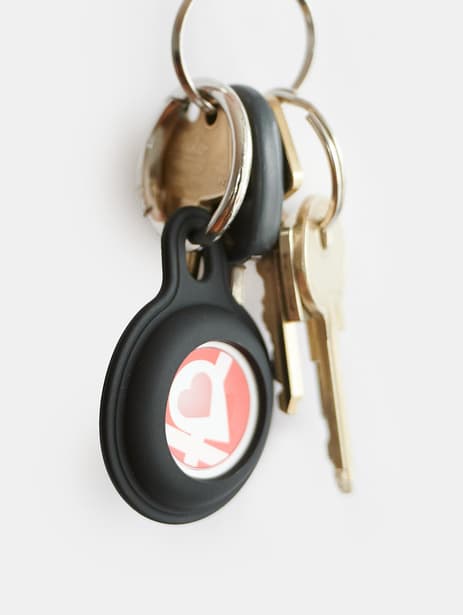
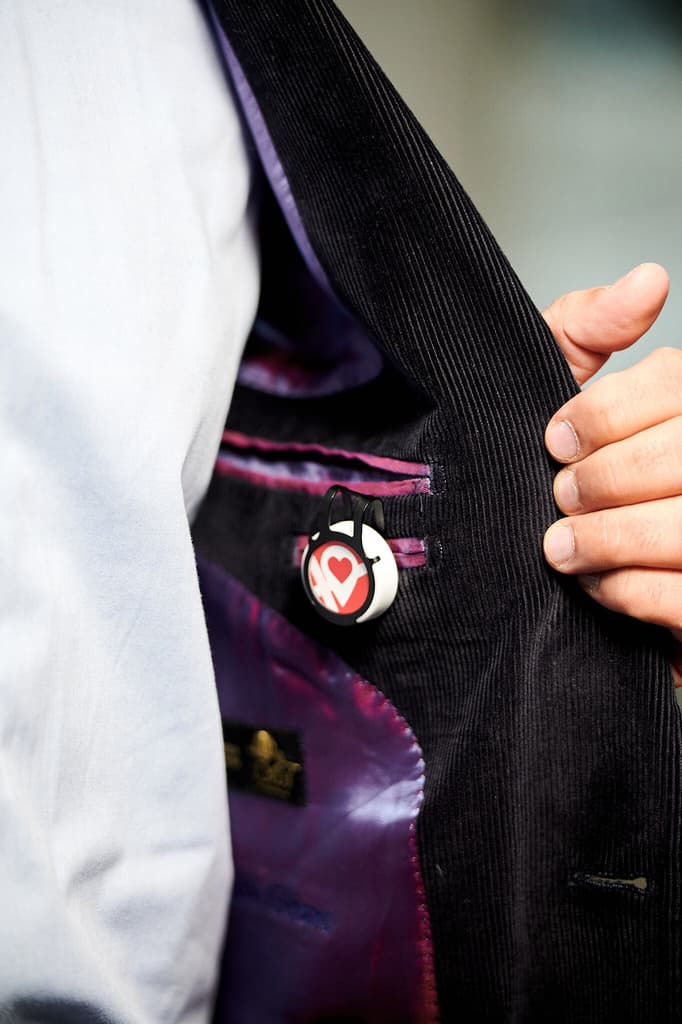
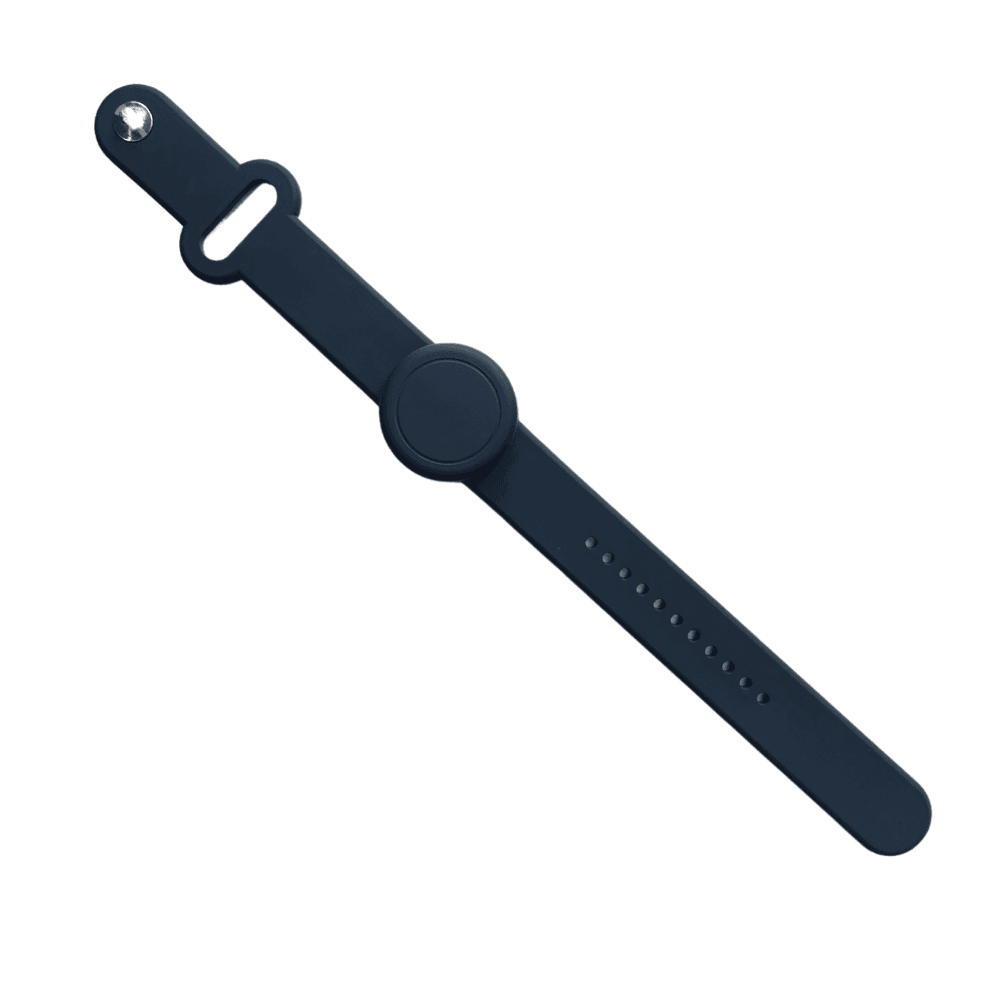
Lives on your keyring, lapel or wrist and sends the alarm through the app - no screen, no unlock.
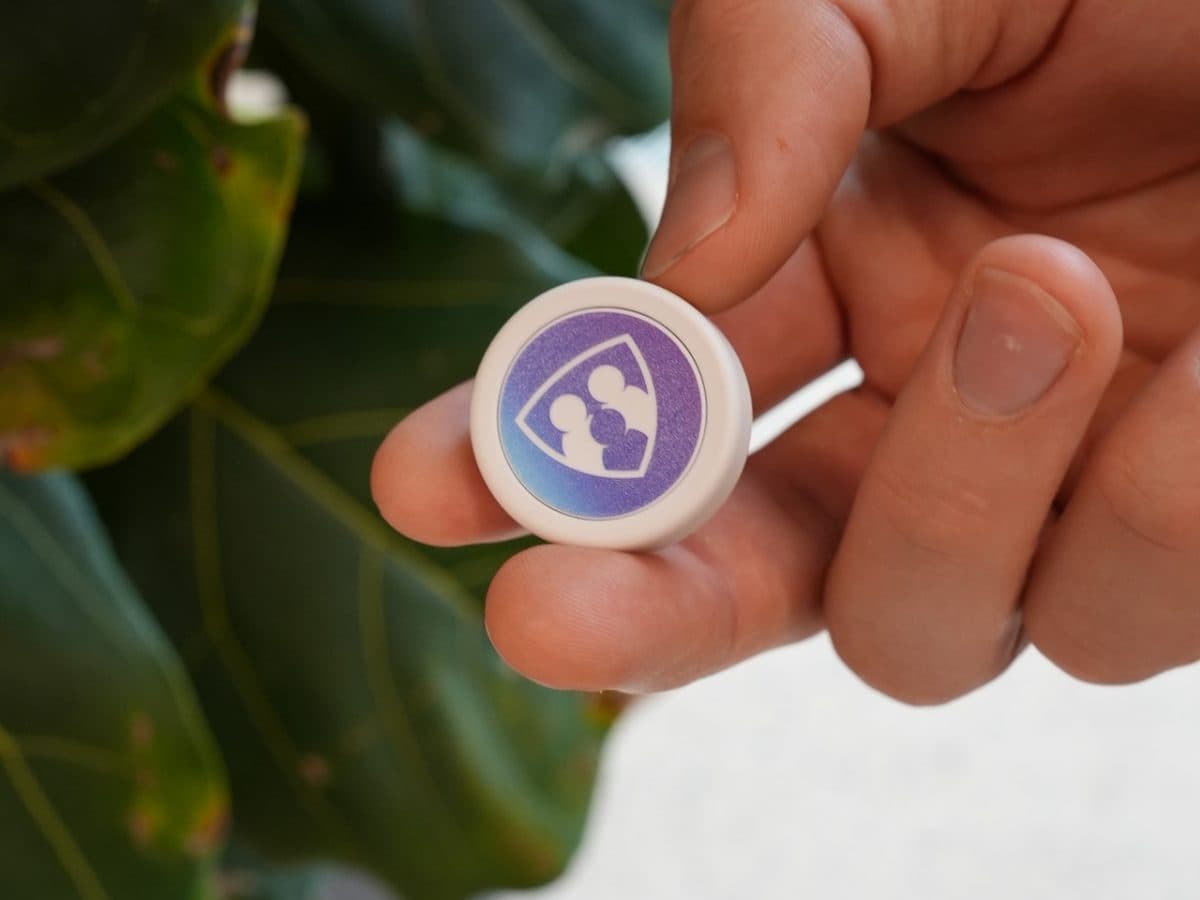
- Bluetooth (BLE 5.2), pairs with your phone - up to 50 m away from it.
- Replaceable CR2032 cell, up to 3 years of battery.
- Water-repellent (not rated for immersion) · 8 g.
- Two firm presses by default - the gesture is configurable in the app.
$35one-time, per button · excl. shipping & local taxes

Getting started
Pair your ProTechMe One in three steps
Turn on Bluetooth on your phone before you start - the ProTechMe One connects to the app over Bluetooth.
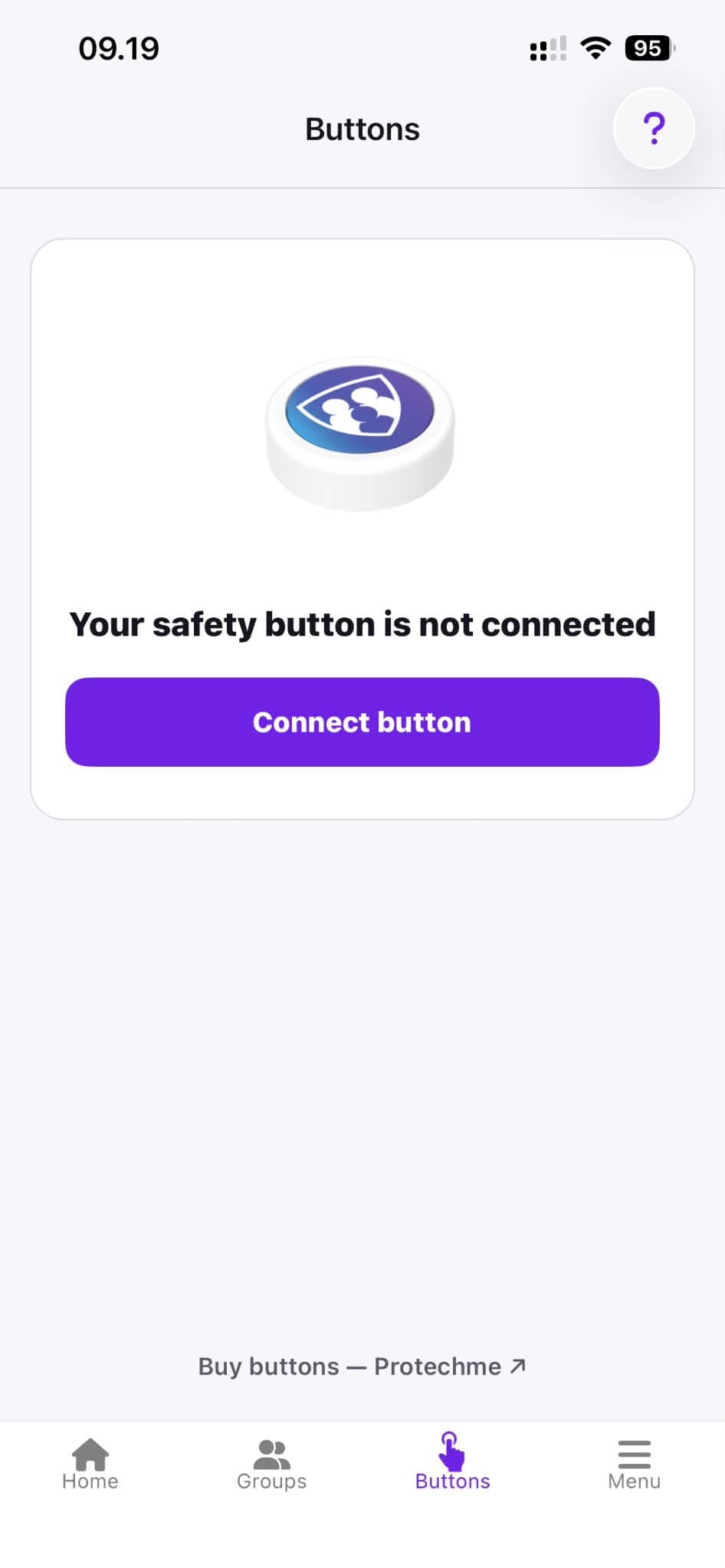
Tap "Connect button"
Open "Buttons" in the app menu. Make sure Bluetooth is turned on.
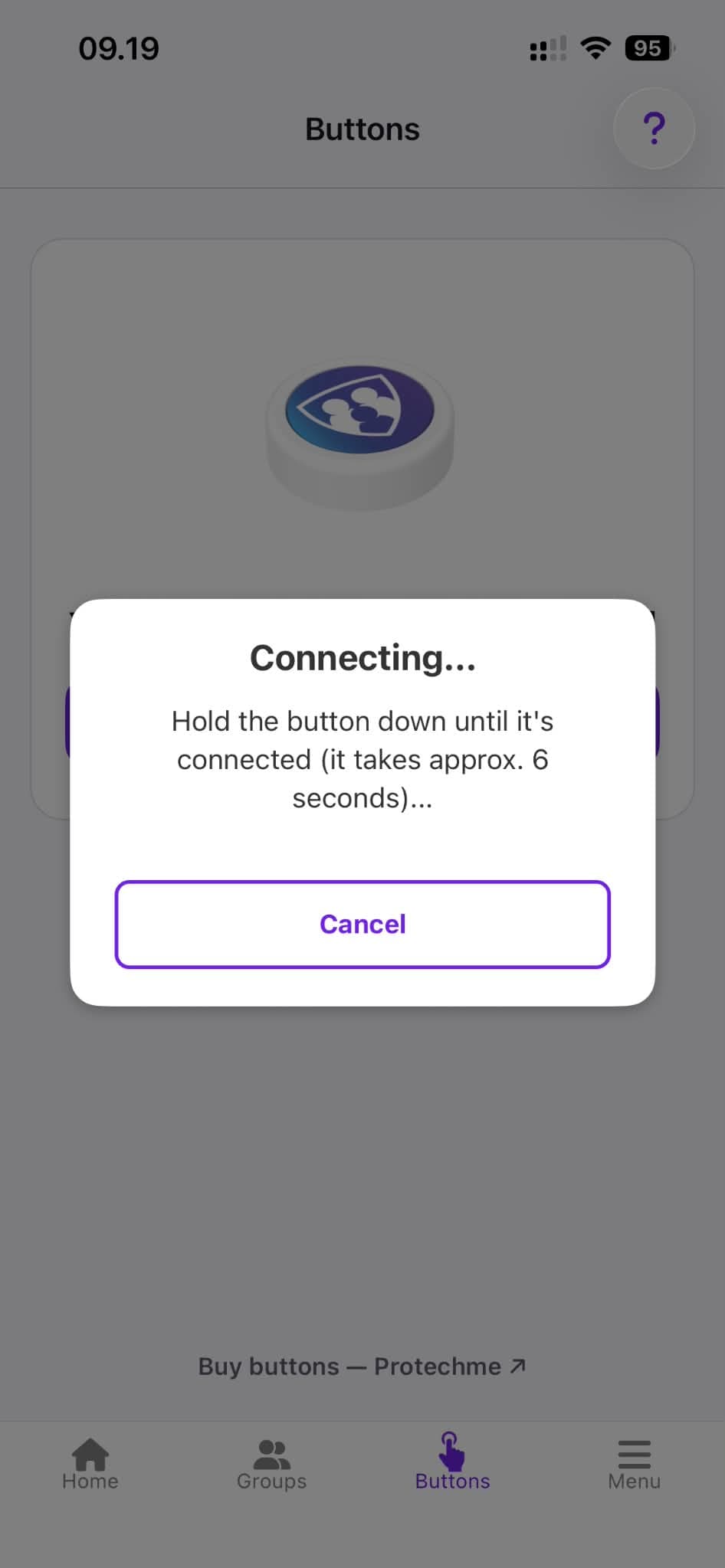
Hold the button down
Press and hold the ProTechMe One for about 6 seconds until it connects.
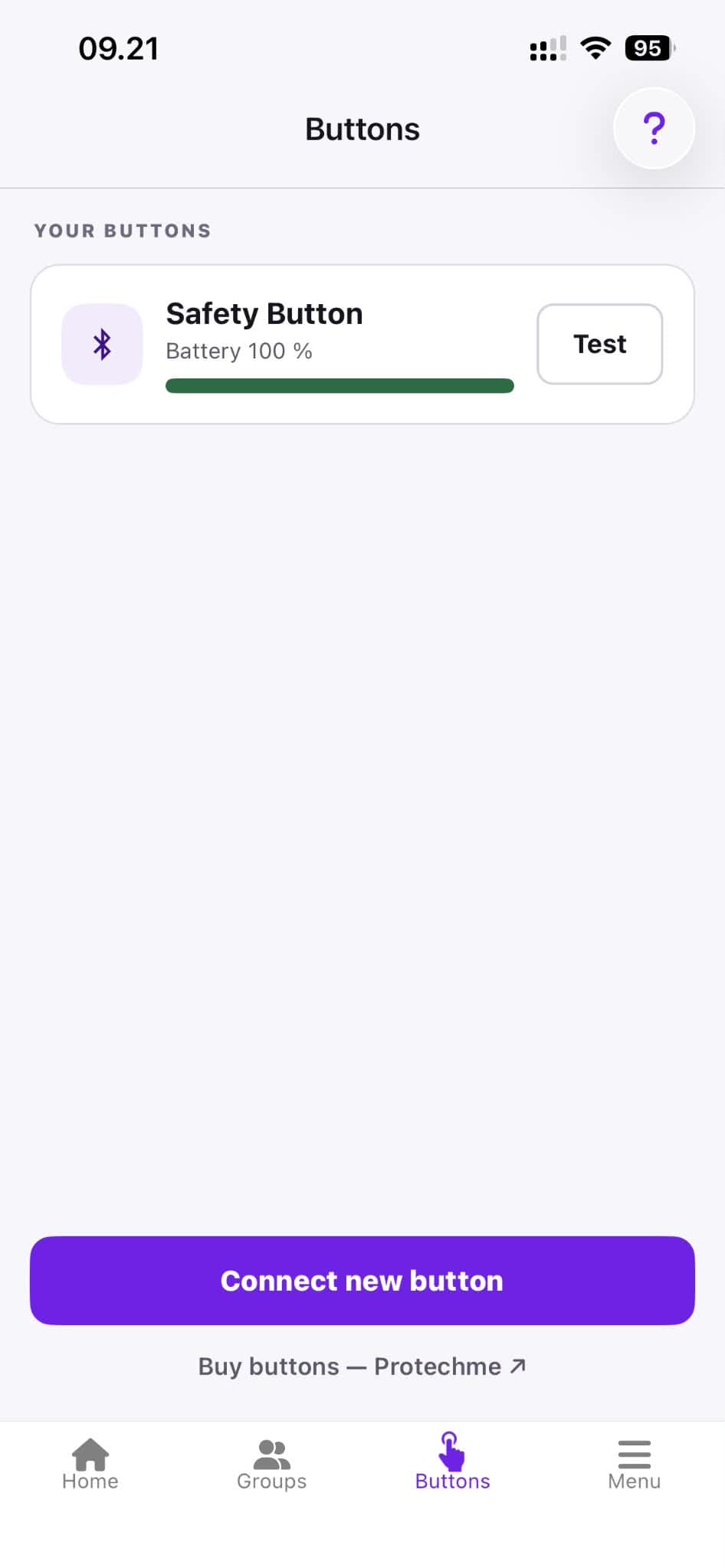
Your button is connected
It now appears under "Your buttons". Tap "Test" to check that it works.
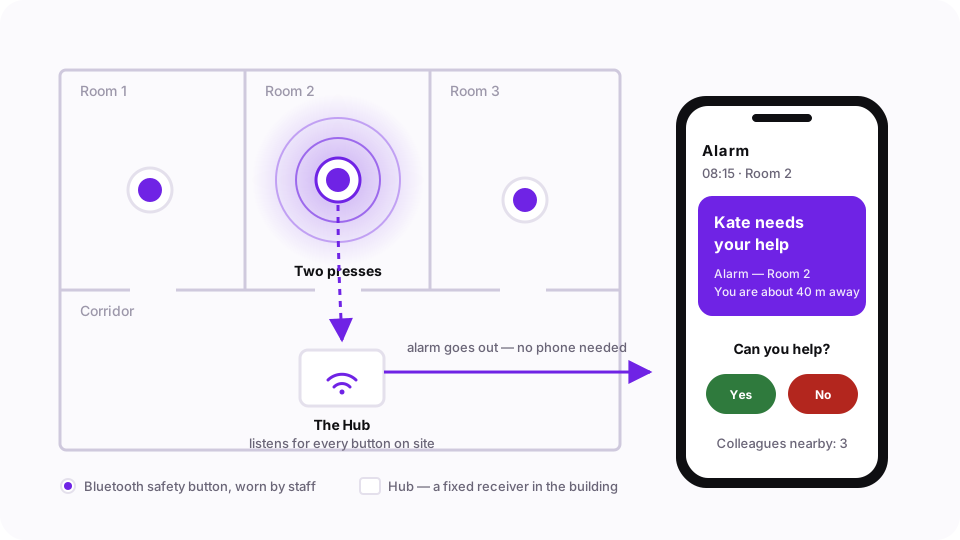
The Hub · for workplaces
ProTechMe One buttons, no phone in the room.
For sites where staff carry the ProTechMe One but not always a phone - the Hub does the listening.
- Picks up the ProTechMe One buttons’ signal, so an alarm works with no phone nearby.
- Extends the buttons’ reach across a site.
- Can run as a backup receiver alongside staff phones.
Pricing on requestquoted with your deployment